Diwali is the single biggest posting day of the year for Indian Instagram, and it is also the hardest day to take a good photo. Diya light confuses phone cameras, everyone is busy, and by the time you are dressed and free the light is gone. AI edits flip that completely. You upload one decent selfie any time in October and generate the diya portrait in advance.
These five prompts cover the classic Diwali frames, the diya close up, the rangoli candid, the sparkler shot, a men’s option and a puja frame. They follow the same identity locking structure as our Navratri prompts, so if you used those, the workflow is identical.
How to use these prompts
- Open Gemini or ChatGPT and start a new chat.
- Upload a clear photo of yourself. Good light and a straight face angle give the best results.
- Copy any prompt below and paste it along with the photo.
- Check the output. If the face drifts, reply with “keep the face closer to my uploaded photo” and generate again.
1. Diya Light Traditional Portrait
The signature Diwali frame. One diya close to the face, everything else dark and warm. This is the prompt people screenshot from this page the most.
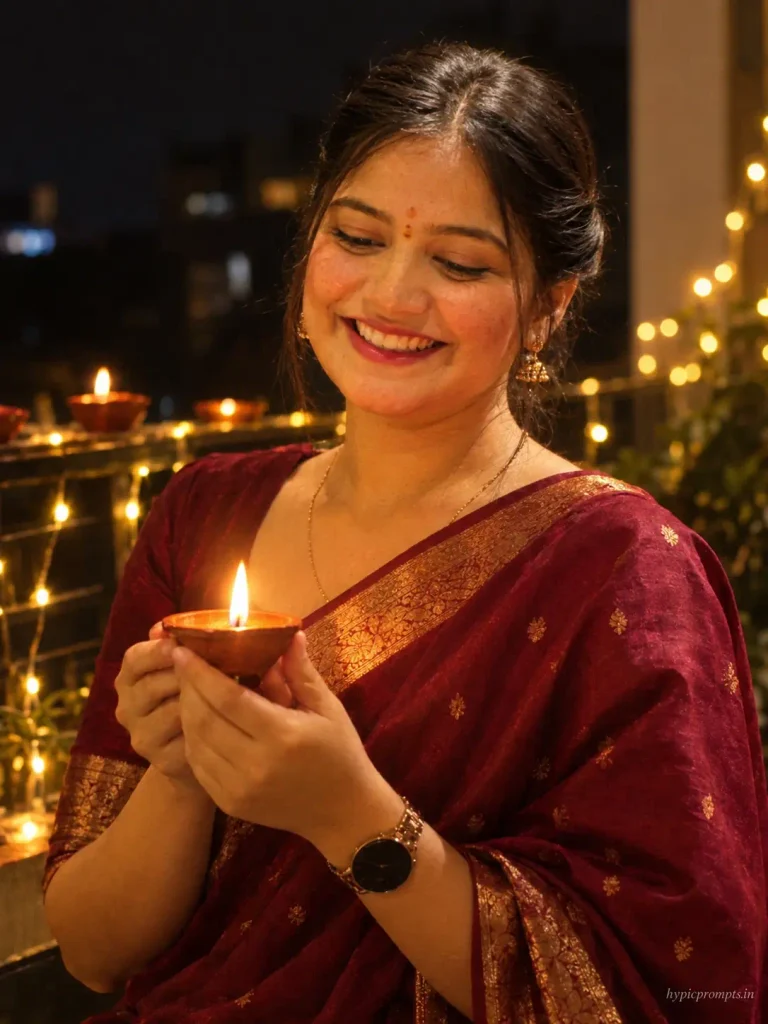
Use the uploaded photo as the strict face reference and preserve the person's identity exactly. Do not change facial features, skin tone, face shape, hairstyle or overall recognizable appearance. Create an intimate Diwali portrait of the woman holding a single lit clay diya close to her chest, its warm flame gently lighting her face from below, soft smile, eyes on the flame. She wears a maroon silk saree with a gold border and small gold earrings. Behind her a dark home balcony with a string of blurred fairy lights and a few more diyas glowing on the railing. Shot at 50mm f/1.4, deep warm grade with rich shadows, the diya as the only key light. Vertical 3:4 aspect ratio, realistic skin texture with visible pores, no plastic smoothing, no CGI look, natural photographic imperfections, RAW photo quality. Add "hypicprompts.in" as a small watermark in the bottom right corner, thin elegant font, soft white color, slight transparency, small and refined, no background behind the text, blending naturally into the image.2. Rangoli Making Candid
A working hands frame that feels like a real festival morning rather than a posed shoot.
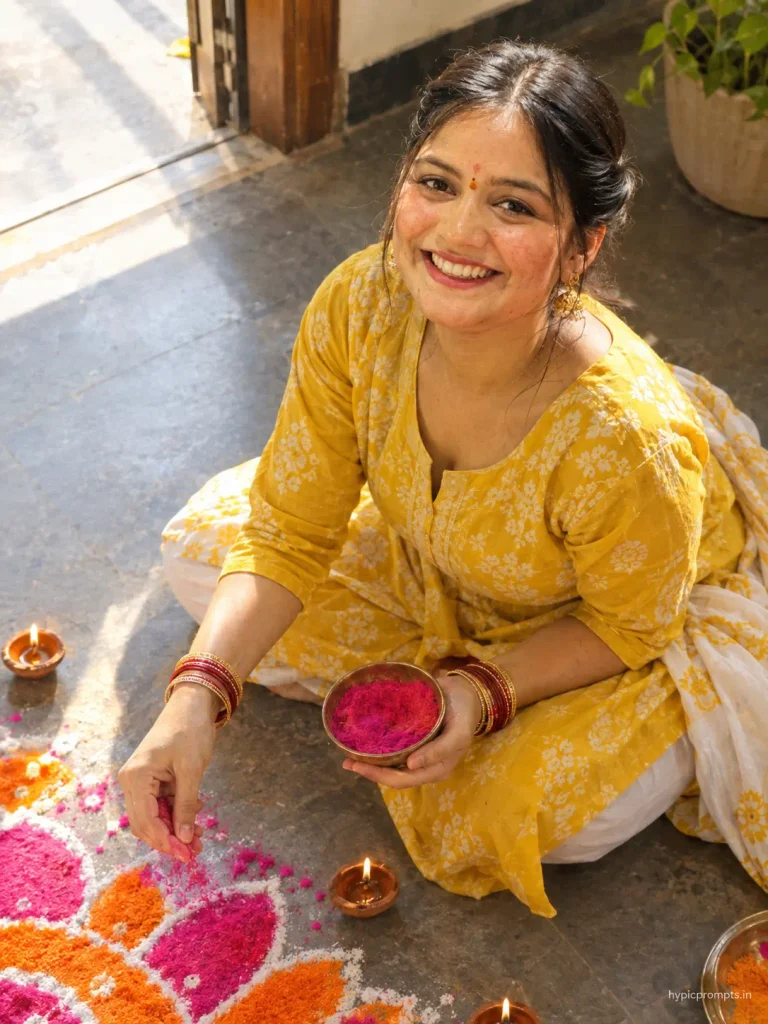
Use the uploaded photo as the strict face reference and preserve the person's identity exactly. Do not change facial features, skin tone, face shape, hairstyle or overall recognizable appearance. Create a candid top angle portrait of the woman sitting on the floor making a colourful rangoli, one hand releasing pink powder onto the pattern, bangles on her wrist, wearing a yellow cotton kurta with her dupatta tucked aside. Half finished rangoli in bright pink, orange and white, small diyas placed around it, morning light from a doorway falling across the floor. Shot at 35mm f/2, fresh warm grade, honest documentary feel. Vertical 3:4 aspect ratio, realistic skin texture with visible pores, no plastic smoothing, no CGI look, natural photographic imperfections, RAW photo quality. Add "hypicprompts.in" as a small watermark in the bottom right corner, thin elegant font, soft white color, slight transparency, small and refined, no background behind the text, blending naturally into the image.3. Sparkler Night Shot
Phuljhadi frames photograph terribly in real life because phones cannot handle the contrast. The model has no such problem.
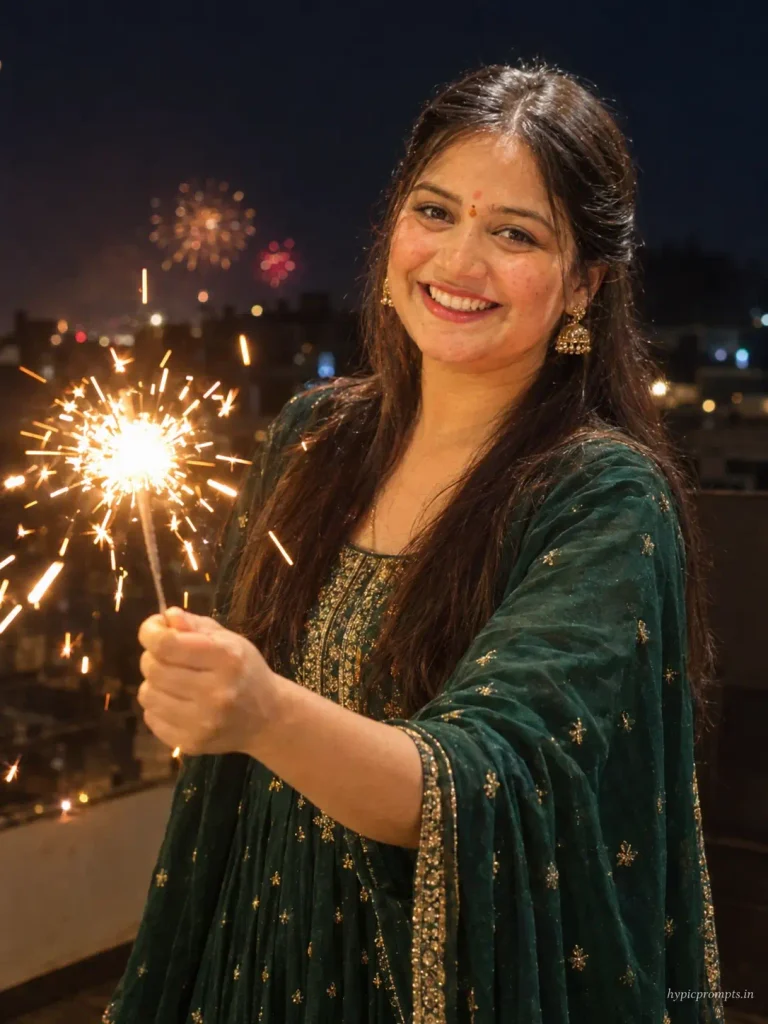
Use the uploaded photo as the strict face reference and preserve the person's identity exactly. Do not change facial features, skin tone, face shape, hairstyle or overall recognizable appearance. Create a joyful night portrait of the woman holding a burning sparkler at arm length, golden sparks flying, her face lit warmly by the sparkler light, laughing naturally. She wears an emerald green anarkali with light gold work, open hair. Dark terrace behind with distant blurred firework bursts low in the sky. Shot at 50mm f/1.8, warm sparkler glow against deep night blues, sparks rendered sharp with slight motion trails. Vertical 3:4 aspect ratio, realistic skin texture with visible pores, no plastic smoothing, no CGI look, natural photographic imperfections, RAW photo quality. Add "hypicprompts.in" as a small watermark in the bottom right corner, thin elegant font, soft white color, slight transparency, small and refined, no background behind the text, blending naturally into the image.4. Family Style Sherwani Portrait for Men
The men’s option, tuned for the family WhatsApp display picture. Clean, warm and safe to send to relatives.
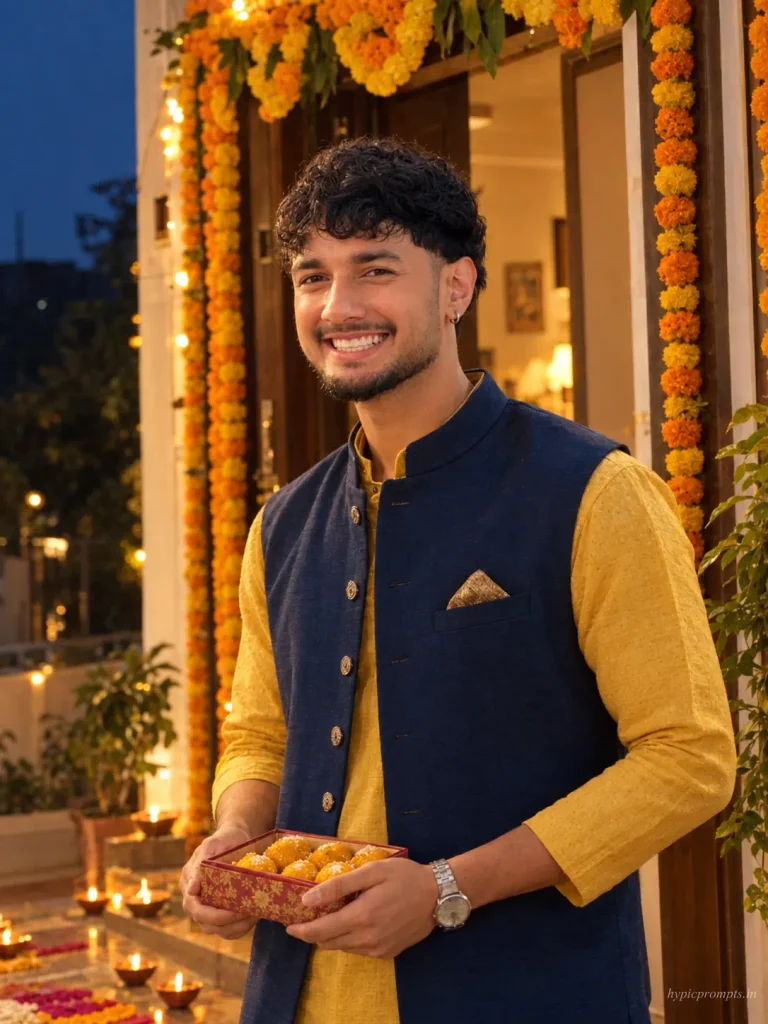
Use the uploaded photo as the strict face reference and preserve the person's identity exactly. Do not change facial features, skin tone, face shape, hairstyle or overall recognizable appearance. Create a warm festive portrait of the man in a mustard yellow kurta with a deep blue Nehru jacket, standing at a decorated home entrance with a marigold toran above the door and diyas lining the doorstep. He holds a small box of sweets, relaxed genuine smile. Soft warm light from the doorway and diyas, evening blue outside. Shot at 63mm f/2.8, cozy golden grade, welcoming family festival mood. Vertical 3:4 aspect ratio, realistic skin texture with visible pores, no plastic smoothing, no CGI look, natural photographic imperfections, RAW photo quality. Add "hypicprompts.in" as a small watermark in the bottom right corner, thin elegant font, soft white color, slight transparency, small and refined, no background behind the text, blending naturally into the image.5. Lakshmi Puja Aarti Frame
The devotional close to the set. Keep the idol softly blurred, models mangle deity faces when asked to render them sharply, and a blurred idol also stays respectful.
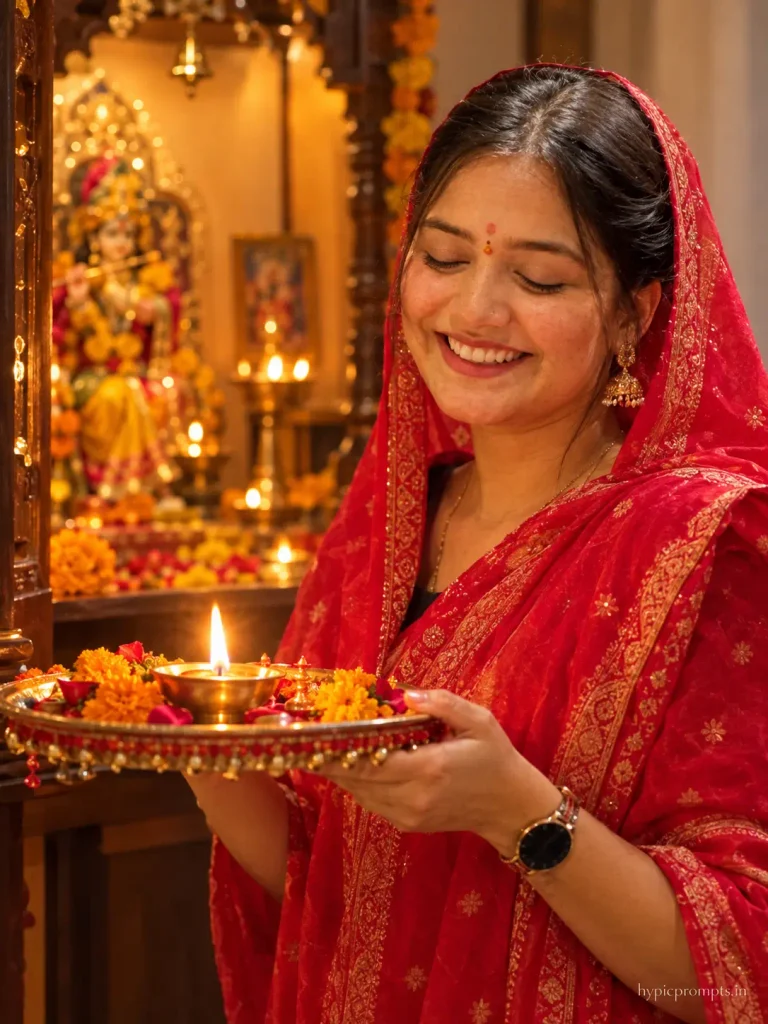
Use the uploaded photo as the strict face reference and preserve the person's identity exactly. Do not change facial features, skin tone, face shape, hairstyle or overall recognizable appearance. Create a devotional Diwali portrait of the woman performing aarti at a home mandir, holding a decorated thali with a lit diya and flowers, head covered with a red dupatta, eyes closed in prayer. The small home temple glows with warm light, the idol softly out of focus behind the flame, marigold petals scattered on the shelf. Shot at 50mm f/1.4, warm sacred atmosphere, diya flame as the key light on her face. Vertical 3:4 aspect ratio, realistic skin texture with visible pores, no plastic smoothing, no CGI look, natural photographic imperfections, RAW photo quality. Add "hypicprompts.in" as a small watermark in the bottom right corner, thin elegant font, soft white color, slight transparency, small and refined, no background behind the text, blending naturally into the image.Tips for better results
- Generate your Diwali edits a week early. On the festival day itself the tools slow down from load and you will be busy anyway.
- The diya and aarti prompts depend on darkness. If the output comes out bright, add “dark evening ambience, no daylight” and rerun.
- Silk sarees render better than net or heavily sequined outfits, which tend to turn into noise.
- For couple versions, replace the identity line with the couple line from our couple prompts article and describe both outfits.
Frequently Asked Questions
Can I generate a couple Diwali edit with these?
Yes. Take any prompt here, switch the identity sentence to the two person version and add the second outfit. The diya prompt works especially well with two faces lit by one flame.
The sparkler looks fake in my output. Any fix?
Ask for “sparks with slight motion trails and realistic falloff” and avoid the word firework inside the sparkler prompt, that word tends to pull in cartoon style bursts.
Is it okay to generate a puja image with AI?
That is a personal call. The prompt here keeps the idol blurred and the focus on the person praying, which most people find respectful. Skip it if it does not sit right with you.
Which outfit colors work best for Diwali frames?
Maroon, emerald, mustard and deep blue all hold up well against warm diya light. White outfits catch orange color casts, so mention “balanced skin tones” if you go with white.
Do these prompts also suit Karwa Chauth or Bhai Dooj posts?
The diya portrait and the aarti frame adapt directly. Change the outfit description and, for Karwa Chauth, add a decorated sieve held near the face instead of the thali.
Once the festive season passes, winter looks take over. The winter photo prompts continue this series with snow and cozy frames.
Pingback: 5 Birthday Photo Editing Prompts for Girls (Aesthetic Pinterest Style) - Hypic Prompts