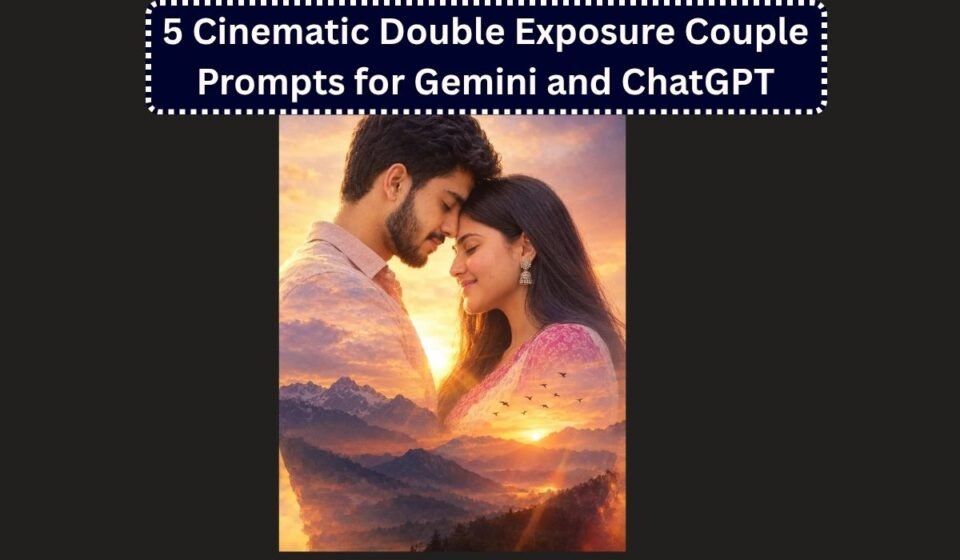

Double exposure used to mean hours in Photoshop, blending two images by hand and hoping the silhouettes lined up right. Now it’s just a matter of writing the right prompt. Upload a couple photo to Gemini or ChatGPT, describe the scene you want blended in, and you get a genuinely cinematic result in seconds, the kind of dreamy, artistic shot couples are increasingly using for Instagram posts, wedding invites, and anniversary reels.
The trick, same as with any AI photo prompt, is being specific. A vague request like “make it double exposure and romantic” gives the model too much room to guess, and the faces often end up looking off. Below are five distinct, ready-to-use prompts covering different moods, plus a quick guide on why they’re structured the way they are.
What makes a double exposure prompt actually work
Before the prompts themselves, it helps to understand the three things every good one needs:
- A clear identity instruction. Tell the model to use the exact faces from your uploaded photo, unchanged. Without this line stated plainly, double exposure effects in particular tend to drift the faces further from the original than a simple portrait edit would, since the model is focused on blending two visual layers.
- A primary and a secondary layer, described separately. The primary layer is usually the couple themselves, in a specific pose and outfit. The secondary layer is the blended scene, a landscape, a skyline, a starry sky, that appears ghosted through or around the silhouette.
- A mood-setting detail. Warm cinematic light, soft lens flare, a specific colour palette. This is what pushes the result from “two images awkwardly overlaid” to something that actually looks intentional and artistic.
1. Sunset Mountains Double Exposure
Best for outdoorsy couples, travel-themed posts, or anniversary photos with a dreamy, adventurous feel.
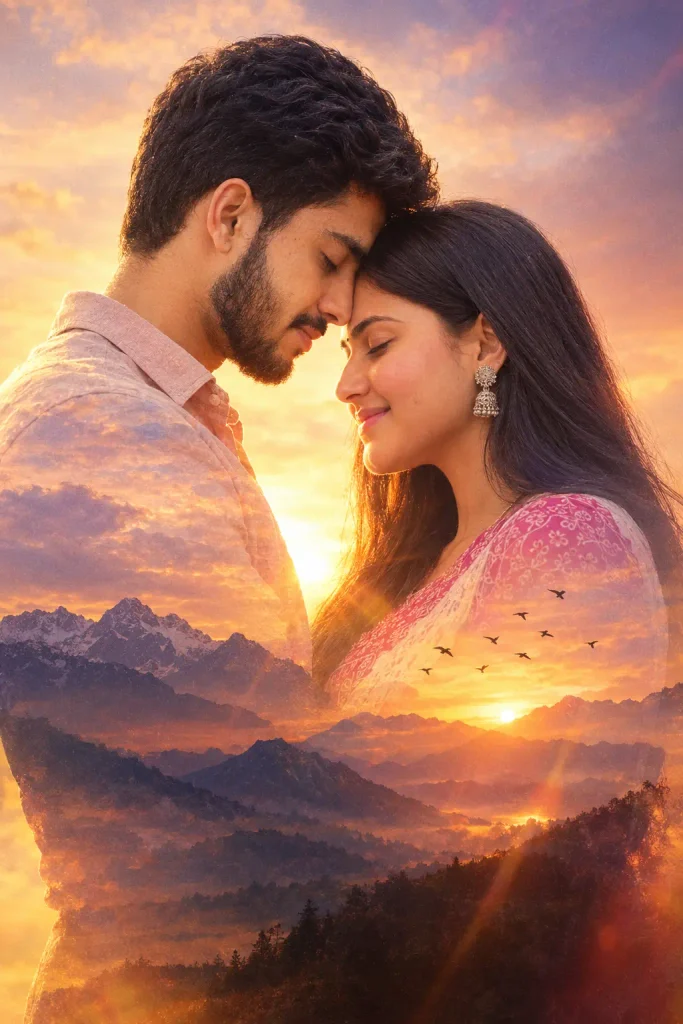
Create a hyper-realistic cinematic double exposure portrait using my uploaded couple photo. Use the exact faces from the reference photo, do not alter them in any way.

The primary layer shows the couple standing close together in profile, foreheads gently touching, eyes closed, in warm golden-hour light.

The secondary exposure blends a silhouette of mountain peaks and a soft glowing sunset sky into the outline of their figures, with birds flying across the horizon. Use a warm orange-to-violet colour palette, soft film grain, and a gentle lens flare. Keep the blend subtle so both layers remain clearly readable.
2. Beach and Ocean Double Exposure
Works well for destination-wedding-style shots or a relaxed, romantic beach theme.
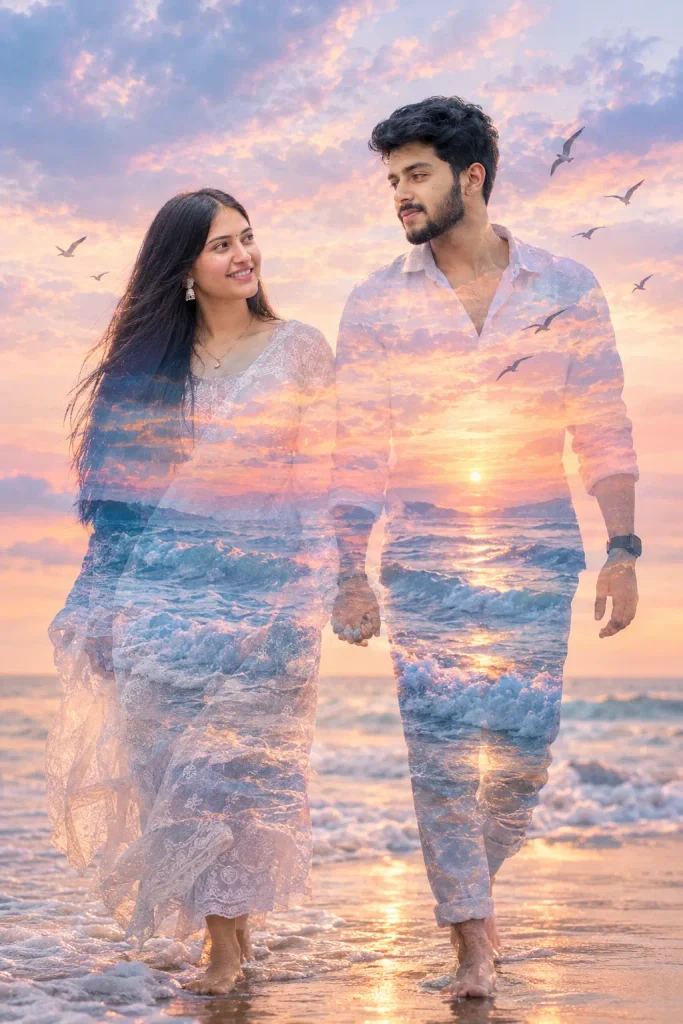
Generate a cinematic 8K double exposure portrait from my uploaded couple photo. Use the exact same faces as the reference image, keep them fully recognisable and unaltered.

The primary layer shows the couple walking barefoot along a sandy shoreline, holding hands, looking at each other, with the tide gently washing in.

The secondary exposure blends ocean waves and a pastel sunset sky into their silhouette, with a few birds in flight and soft clouds. Use cool blue and warm pink tones together, natural lighting, and a light, dreamy haze over the whole image.
3. City Lights and Skyline Double Exposure
A striking option for couples who want a more modern, urban, nighttime feel rather than a natural landscape.
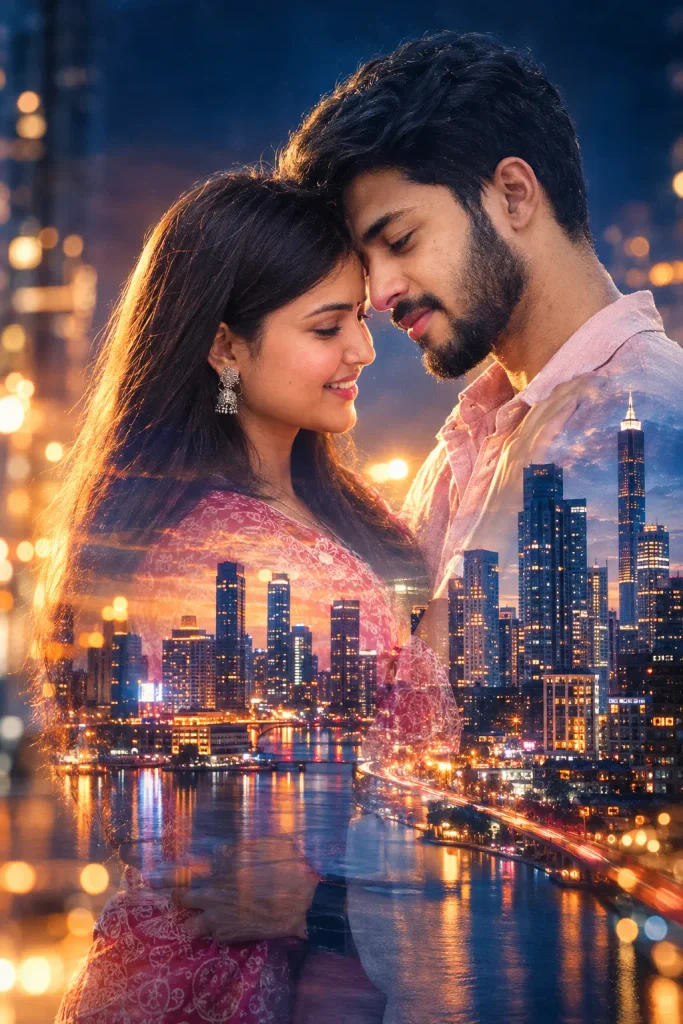
Create an ultra-realistic cinematic double exposure portrait based on my uploaded couple photo. Preserve the exact facial identity of both people, do not generate generic or altered faces.

The primary layer shows the couple standing close, foreheads together or in a gentle embrace, softly lit from one side.

The secondary exposure blends a glowing city skyline at night into their silhouette, with warm bokeh from streetlights and a few illuminated windows. Use a cool blue and amber colour contrast, soft glow, and subtle motion blur in the background lights to suggest a busy city at night.
4. Starry Night Sky Double Exposure
A softer, more fantastical option, popular for save-the-date images and anniversary posts.
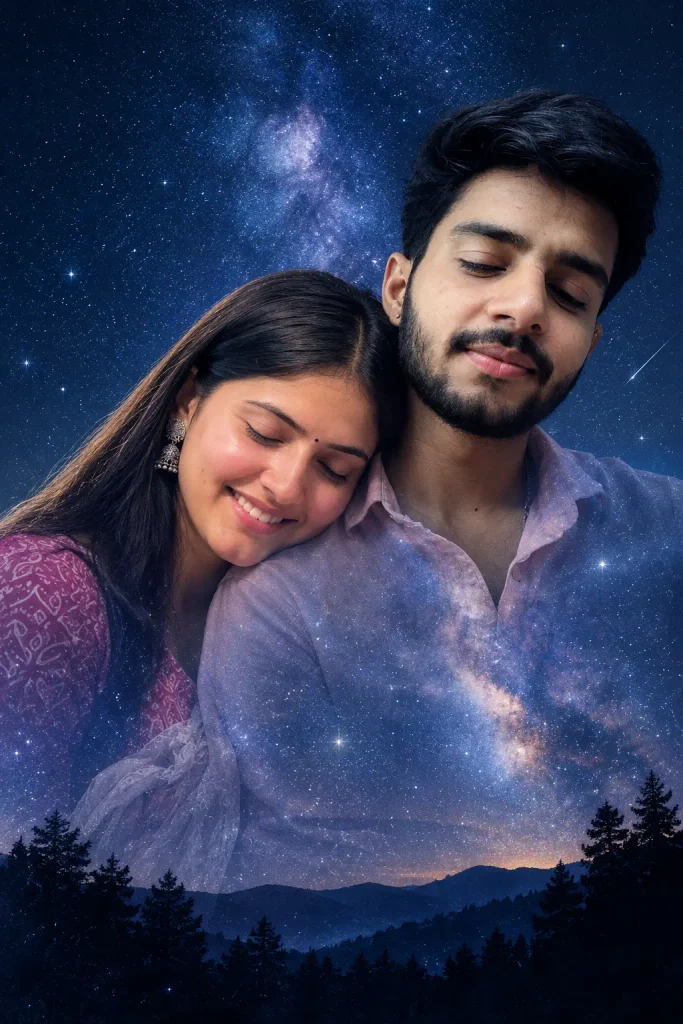
Generate a cinematic double exposure portrait using my uploaded couple photo as the exact identity reference. Keep both faces completely unchanged and recognisable.

The primary layer shows the couple in a close, tender pose, one resting their head on the other's shoulder, eyes closed, calm expressions.

The secondary exposure blends a deep navy night sky filled with soft stars and a faint Milky Way into the outline of their figures. Add a subtle silhouette of trees or hills along the bottom edge for scale. Use deep blues and soft silver tones, with gentle glow around the stars, and keep the overall mood calm and quiet rather than dramatic.
5. Monsoon and Rain Double Exposure
A more emotional, moody option that works particularly well for Indian couples wanting something distinct from the usual sunset or beach themes.
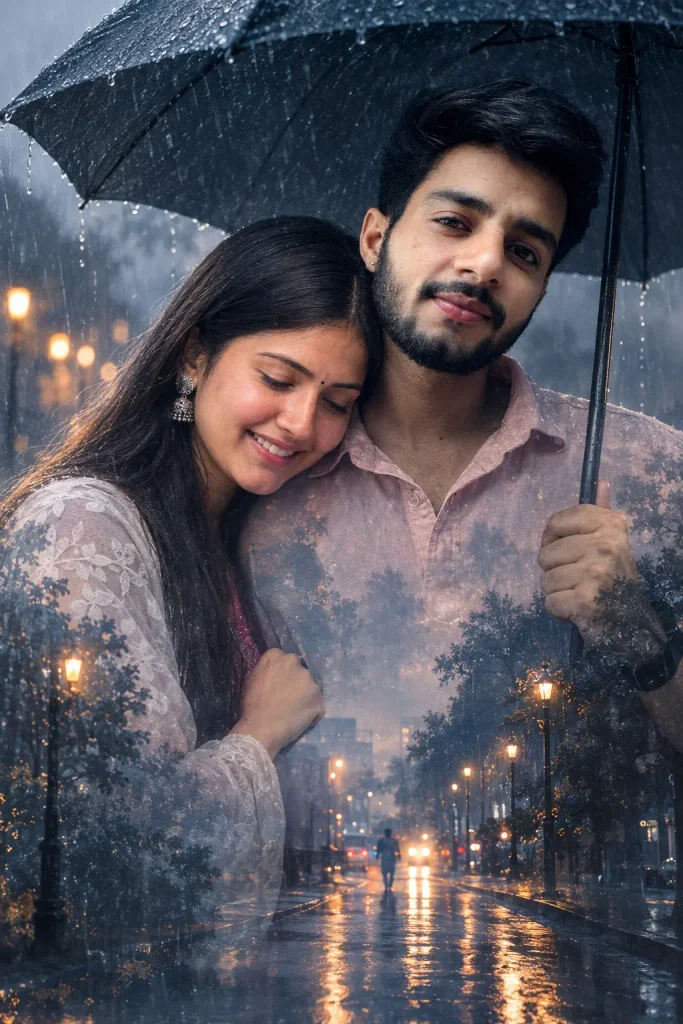
Create a hyper-realistic cinematic double exposure portrait from my uploaded couple photo. Use the exact same faces as the original, unaltered and fully recognisable.

The primary layer shows the couple standing close under a single umbrella, or sheltering together, with soft rain visible around them and gentle reflections on a wet street.

The secondary exposure blends the silhouette of falling rain and distant blurred streetlights into their outline, with a muted grey-blue colour palette and soft diffused lighting. Keep the mood intimate and slightly melancholic rather than bright, with fine mist or light fog adding depth to the background.
Tips for getting a cleaner result
A few adjustments consistently improve how convincing these come out:
- Upload a clear, front-facing photo of the couple together if possible. If you’re combining two separate individual photos instead, say so explicitly in the prompt and ask the model to keep each person’s face exactly as it appears in their own photo, since blending two different source images is a harder task for the model than working from one.
- Keep the secondary layer simple. One clear landscape element, mountains, ocean, a skyline, works better than trying to blend multiple scenes at once. Overloading the secondary layer usually produces a muddled, unreadable result.
- State the blend intensity. Adding a line like “keep the blend subtle, both layers should remain clearly readable” stops the model from overdoing the effect to the point where faces become hard to make out.
- Try both ChatGPT and Gemini on the same prompt. Double exposure results can vary noticeably between the two, one may preserve facial likeness better, the other may handle the blended landscape more smoothly, so it’s worth generating with both and picking the stronger result.
- Specify aspect ratio for where you’re posting. A 4:5 portrait ratio suits Instagram feed posts, while a square or 9:16 format works better for Reels covers or WhatsApp status.
If you’d like, I can put together a few more variations too, a festival or Diwali-themed double exposure, a rainy monsoon proposal shot, or something built around a specific Indian wedding setting like a haveli or a temple backdrop.