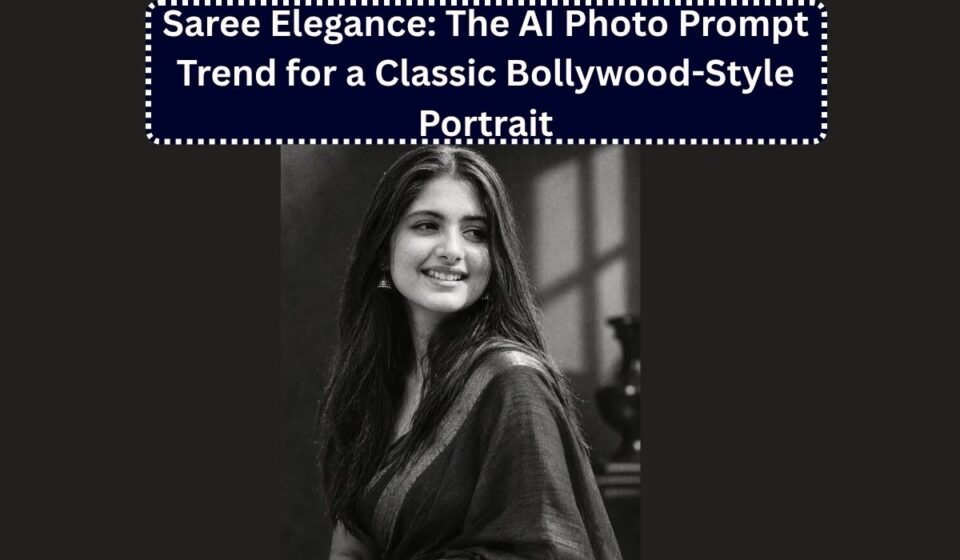

One of the most consistently popular AI photo prompt styles right now is the “saree elegance” look, a portrait that takes an everyday photo and turns it into something that looks like a still from a vintage Bollywood film. Soft studio lighting, a flowing silk saree, traditional jewellery, and that warm, cinematic glow. It’s become a favourite for Instagram profile pictures, festival posts, and anniversary shares, precisely because it feels glamorous without looking like a costume.
As with any AI photo prompt, the difference between a convincing result and an obviously fake one comes down to how specifically you write the instructions. Below is a breakdown of what makes this style work, along with several original prompts you can use directly in Gemini or ChatGPT.
What makes a saree elegance prompt work
A good version of this prompt needs to do four things clearly:
- Preserve the face first. Since this style involves a full styling and setting change, stating upfront that the original facial features must stay unchanged is essential, otherwise the model tends to soften or idealize the face along with everything else.
- Describe the saree and jewellery specifically. “Traditional Indian outfit” is vague. Mentioning silk fabric, the drape style, and specific jewellery pieces like a maang tikka, jhumkas, or a layered necklace gives the model something concrete to render.
- Set the lighting and studio mood. This is what separates a flat, snapshot-style edit from something that actually looks cinematic. Warm key lighting, soft shadows, and a vintage studio backdrop do most of the visual heavy lifting.
- Fix the aspect ratio and framing. A vertical 9:16 or 4:5 frame suits how most people intend to use this, as a profile picture or a story post.
Original Saree Elegance prompts to try
1. Classic vintage studio portrait
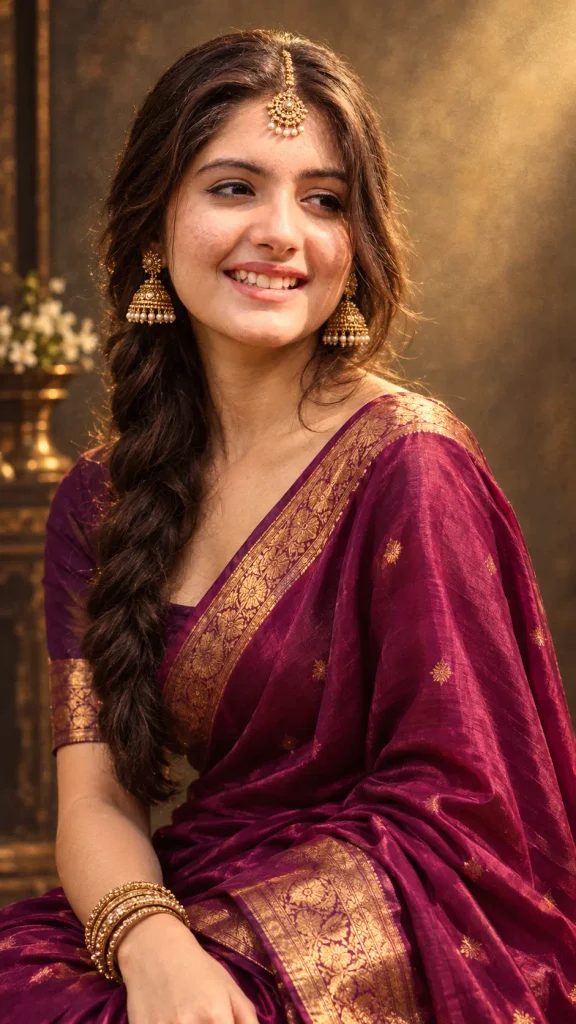
Use my uploaded photo as the exact identity reference. Keep my facial features, skin tone, and expression completely unchanged, don't soften or generalize my face.

Recreate this as an elegant portrait of a woman wearing a flowing silk saree in a rich jewel tone, paired with traditional gold jewellery, a maang tikka, and jhumka earrings. Style the hair in a classic side-swept or braided look suited to a vintage studio photograph.

Set the scene in a vintage Bollywood-style photo studio, with soft warm key lighting from one side, a gently textured backdrop, and subtle film grain. Keep the overall mood elegant and timeless, 9:16 portrait orientation.
2. Golden hour saree portrait
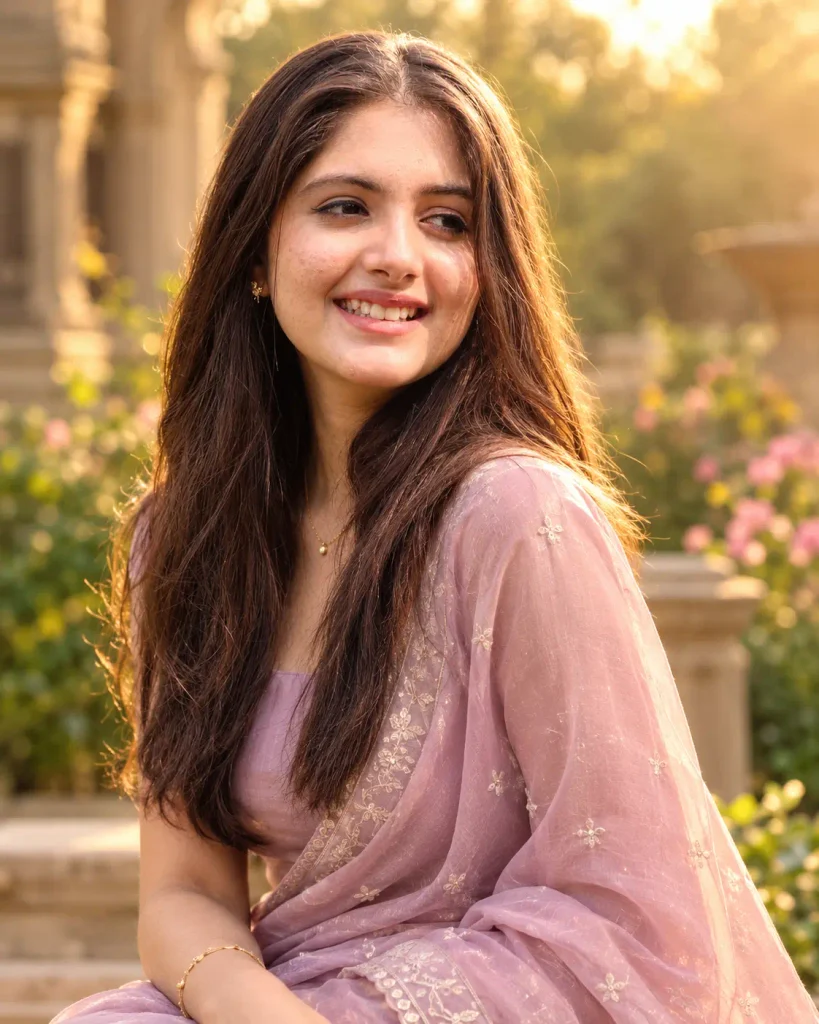
Keep my face, skin tone, and features exactly as they appear in my uploaded photo, don't alter or idealize them.

Show me wearing a pastel or soft-hued silk saree with delicate embroidery, minimal gold jewellery, and hair left loosely open with soft waves. Set the scene outdoors during golden hour, with warm natural light coming from behind, gentle lens flare, and a softly blurred garden or heritage building in the background.

Keep the lighting warm and cinematic, with natural skin texture, no digital smoothing. 4:5 aspect ratio.
3. Regal courtyard portrait
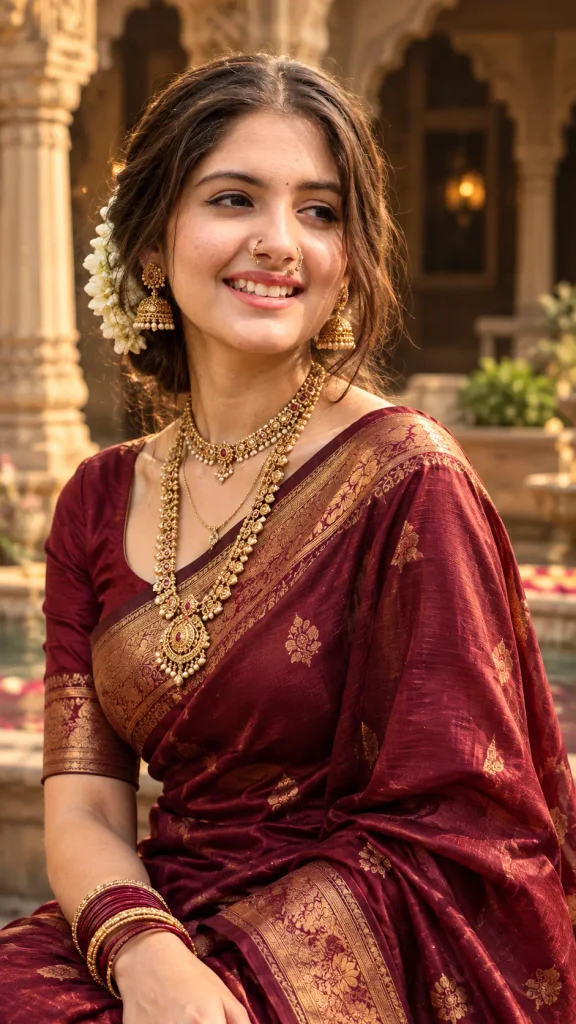
Preserve my exact facial identity from the uploaded photo, do not change my features.

Recreate this as a regal portrait of a woman in a deep red or maroon silk saree with gold zari border work, layered traditional necklaces, bangles, and a nose ring. Style the hair elegantly pinned back with fresh flowers or a small hair ornament.

Set the scene in the courtyard of a traditional haveli, with warm ambient lighting, ornate pillars softly blurred in the background, and a cinematic, slightly dramatic contrast. Vertical 9:16 framing.
4. Monochrome saree portrait
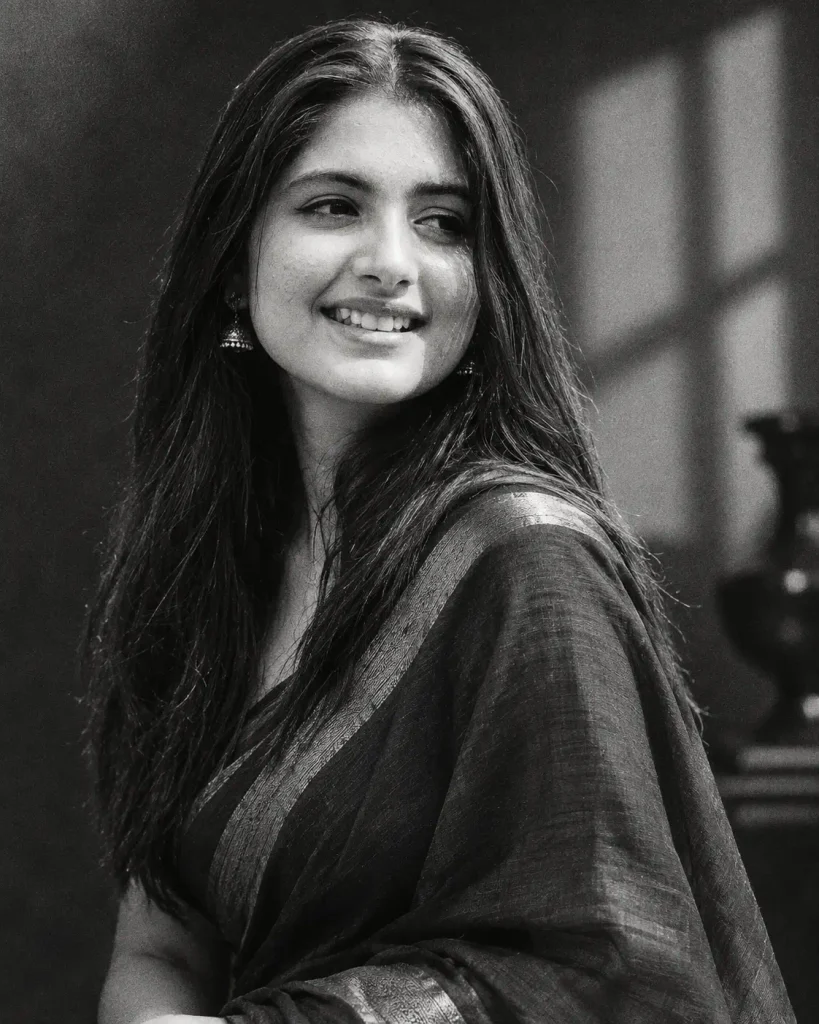
Keep my facial features, proportions, and expression identical to my uploaded photo.

Show me in a black-and-white portrait wearing a saree with a subtle woven texture, minimal jewellery, and softly styled hair. Use dramatic studio lighting with strong contrast between light and shadow, in the style of a classic 1970s film portrait.

Render the entire image in rich black and white with fine film grain, no colour tinting. Square or 4:5 format.
Tips for a more convincing result
- Start with a clear, front-facing photo with good lighting. The saree elegance style involves a significant change in styling, so the model needs a strong, unambiguous reference to keep the face accurate.
- Name the saree colour and fabric explicitly. “Silk saree in emerald green” produces a far more consistent result than just “saree,” since the model otherwise tends to default to a generic red or gold.
- Mention jewellery pieces individually rather than just saying “traditional jewellery.” Naming a maang tikka, jhumkas, or bangles specifically helps the model render period-appropriate detail rather than guessing.
- If the face starts drifting, add a reinforcing line partway through, such as “preserve exact facial structure, do not generate a generalized or idealized face.”
- Try the same prompt on both Gemini and ChatGPT. Gemini tends to hold facial likeness a little more consistently through a full styling change like this, while ChatGPT sometimes leans toward smoother, more airbrushed skin, worth comparing before picking a final image.
If you’d like, I can also put together saree-themed prompts for specific occasions, a wedding-guest look, a Diwali portrait, or a more modern fusion saree style, just let me know the direction you want.